

Worth paying for
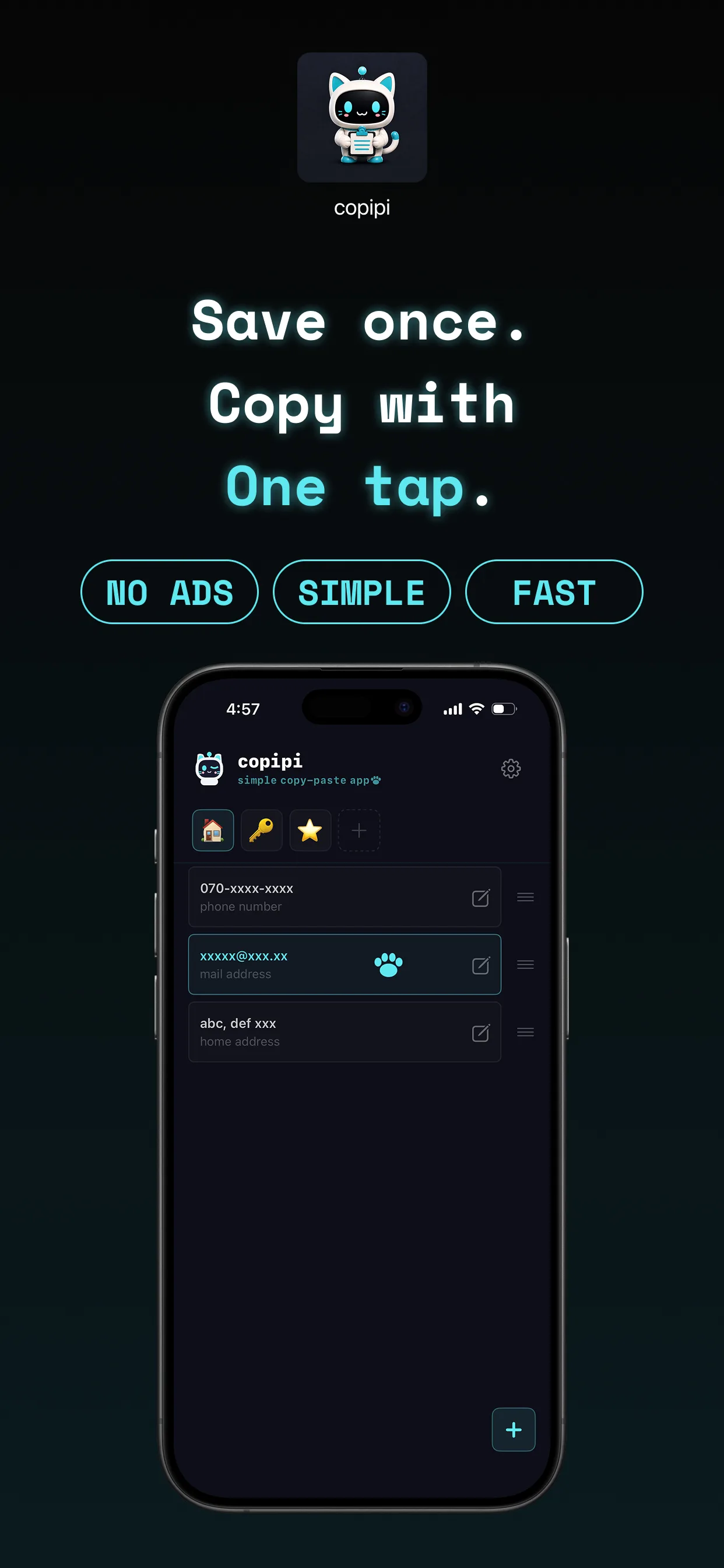
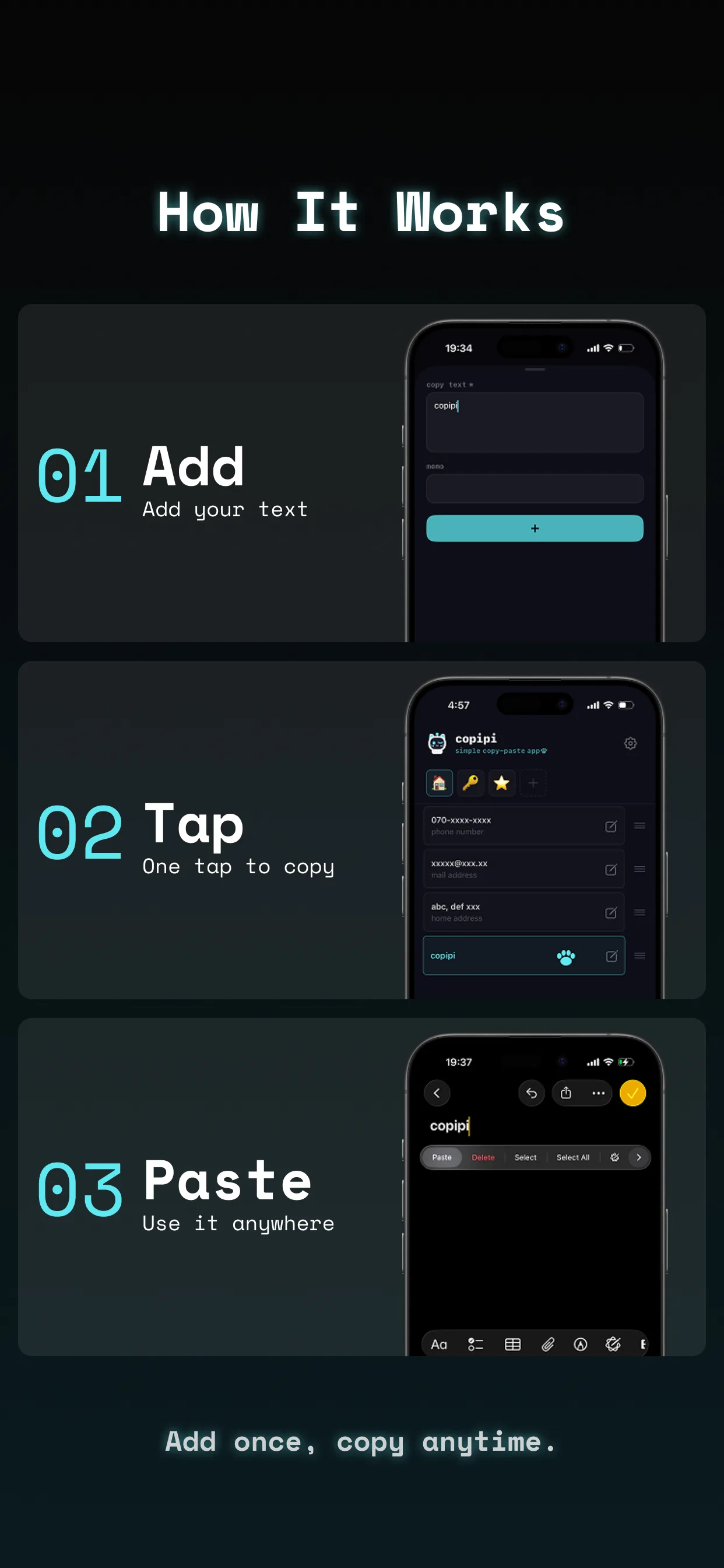
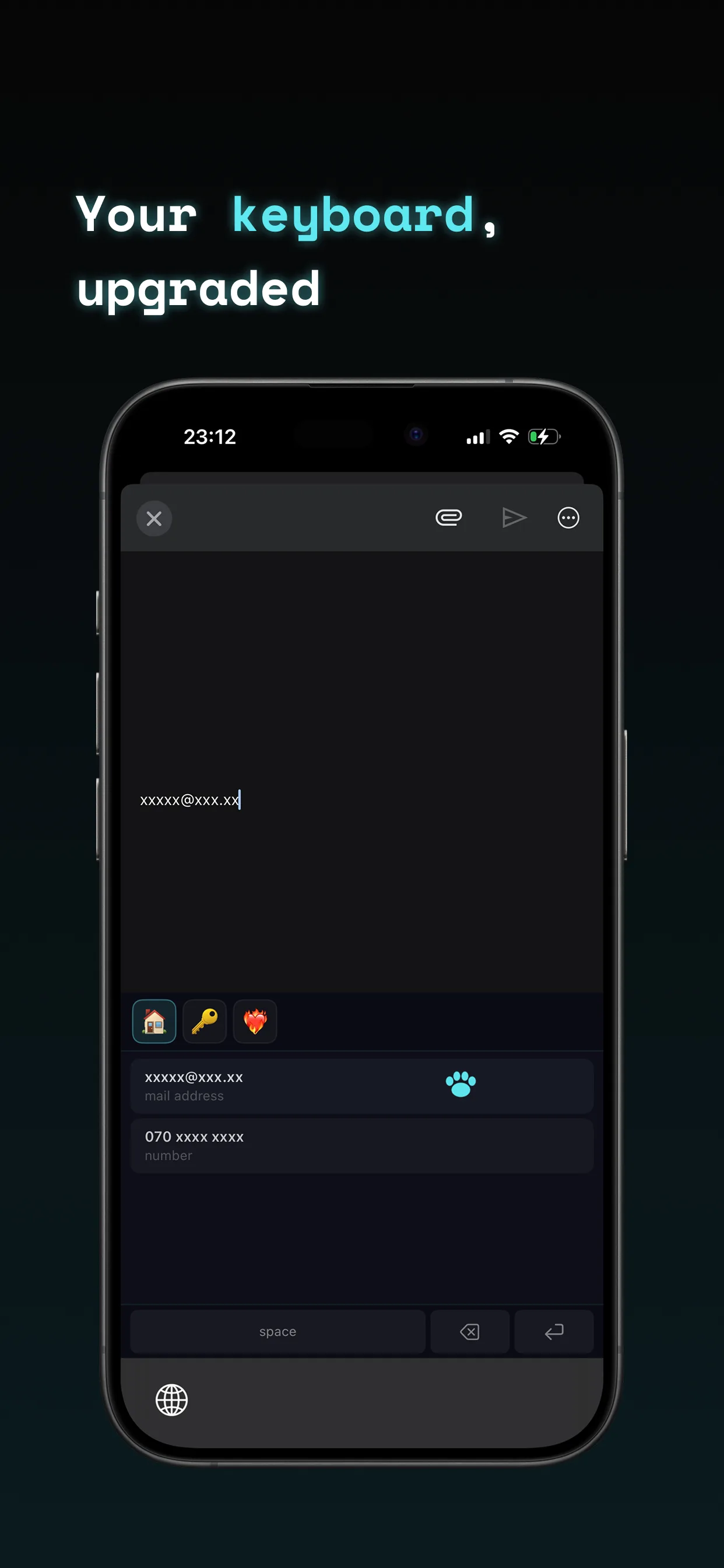
I've been using this for a while now and it's been wonderfully convenient. I register things like search keywords for listing items on flea market apps and prompts I send to GPT. There's very little back-and-forth between folders on the keyboard — the UI is simple, intuitive, and beautiful. Emoji folder names are no problem once you get used to them, and both launching and typing are fast. Large text actually makes things harder for me to read, so having a setting to change the font size is personally very welcome. Even with no ads, I decided this was worth paying for and bought the annual plan. When I found a bug and reached out, they not only responded quickly but kept me posted on the progress along the way — a genuinely trustworthy developer. I'll be continuing to use it.